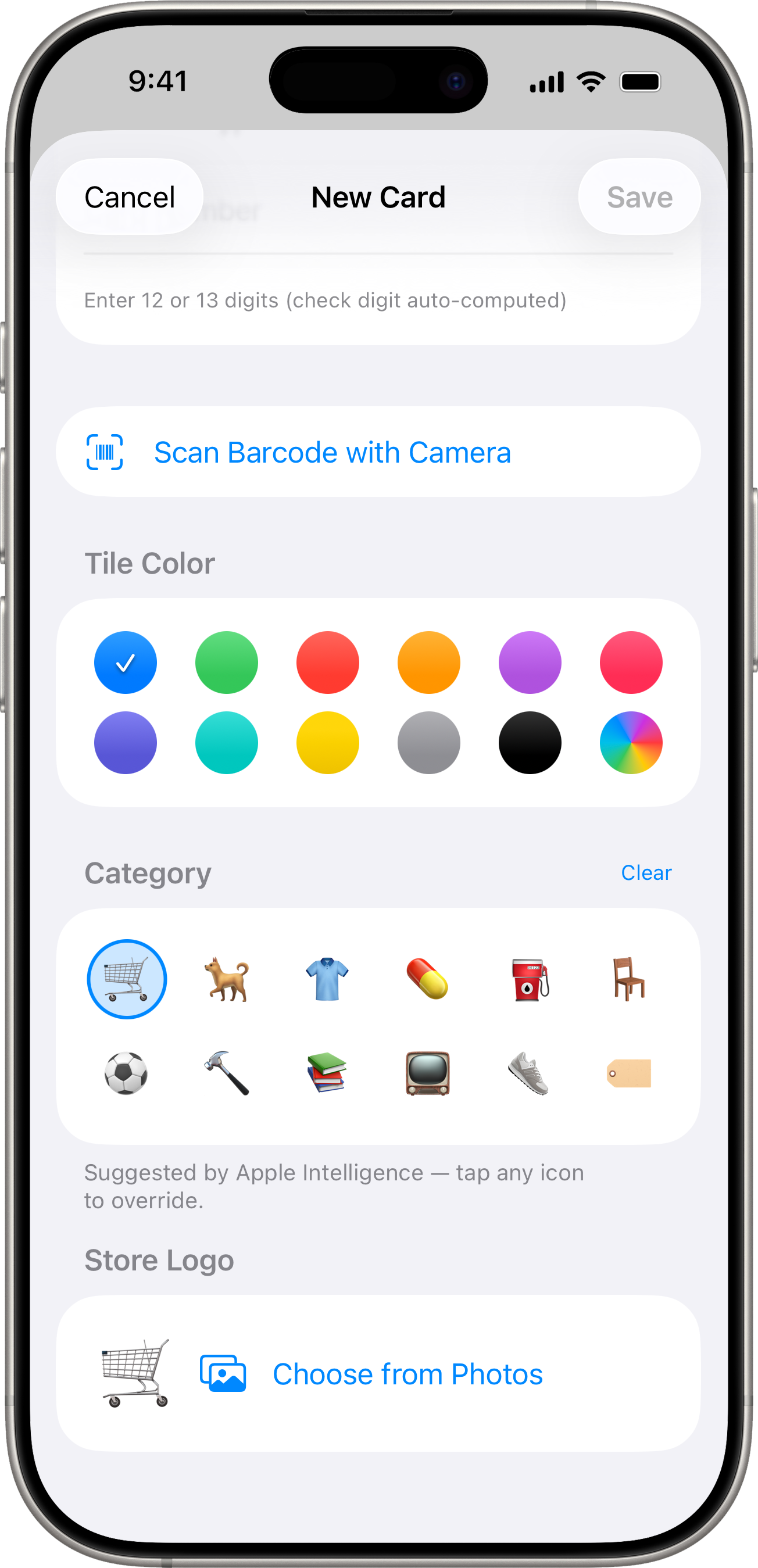
If you enter a store name Scandio doesn’t recognise, a Category section appears with twelve emoji choices:
🛒 grocery 🐕 pet 👕 clothing 💊 pharmacy ⛽ fuel 🪑 furniture ⚽ sports 🔨 DIY 📚 books 📺 electronics 👟 footwear 🏷️ other
Tap one to assign it as the card’s icon.
Apple Intelligence suggestion
On iPhone 15 Pro and newer running iOS 26+, Scandio asks the on-device language model to pick a category for you. You’ll see one of the icons pre-selected with a blue ring — tap any other icon to override, or use Clear in the section header to remove it.
Nothing leaves your device — the suggestion runs entirely on Apple’s on-device Foundation Models framework. See the privacy policy for details.