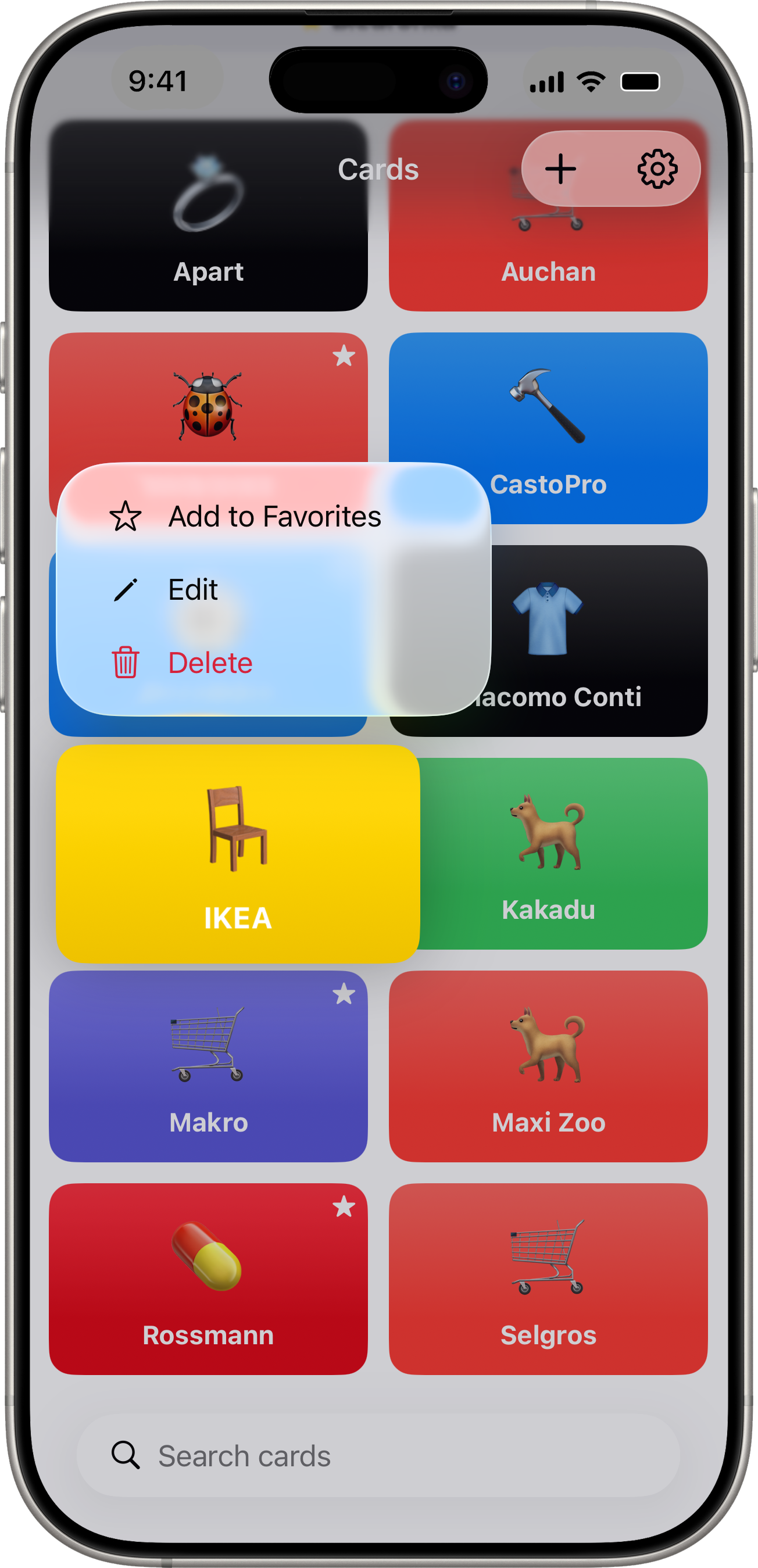
Long-press any card to open its context menu:
- Add to Favorites / Remove from Favorites — toggles the Quick Access carousel pin
- Edit — opens the same form you used to add the card
- Delete — confirms first, then permanently removes the card
Deletes are immediate and there’s no Trash, so the confirmation is your safety net. If you keep regular backups, a deleted card can be restored from a .scandiobackup file.