What you’ll need
- iPhone running iOS 17 or later
- Camera permission — only when you scan a barcode while adding a card
- Photo Library permission — optional, only if you want to attach a custom logo image
First launch
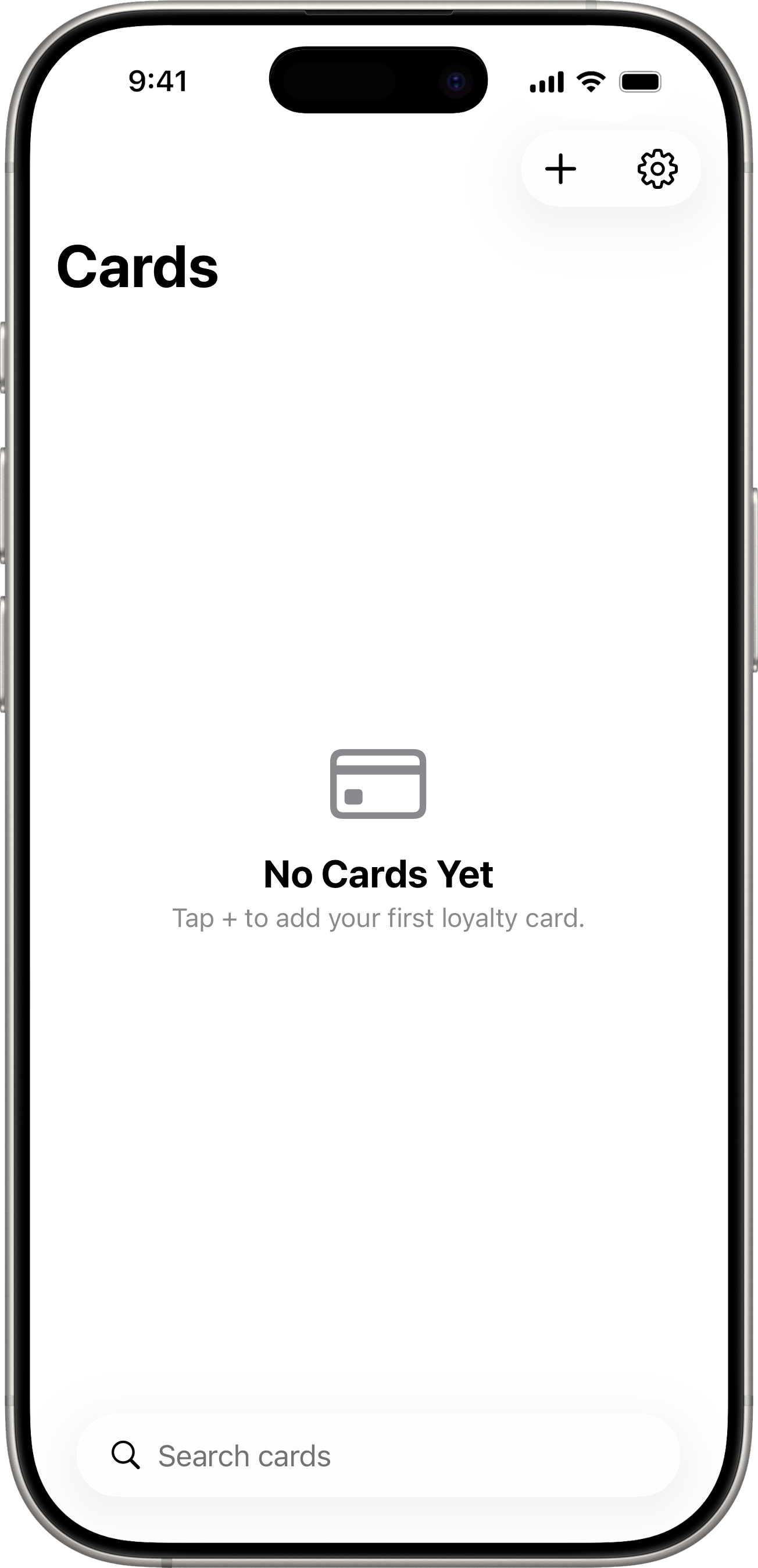
When you open Scandio for the first time, the home screen is empty. Tap the + button in the top-right corner to add your first card.
The next stop is Adding Cards.