Tap any card in the grid to display it full-screen for the cashier:
- Card name at the top
- The barcode in the middle, on a pure-white background for the cleanest scan
- The card number below, formatted in groups of 4 for easy manual entry
- Barcode type label at the bottom
Screen brightness automatically boosts to the level you set in Settings, then restores when you close the view. Tap the X in the top-right to close.
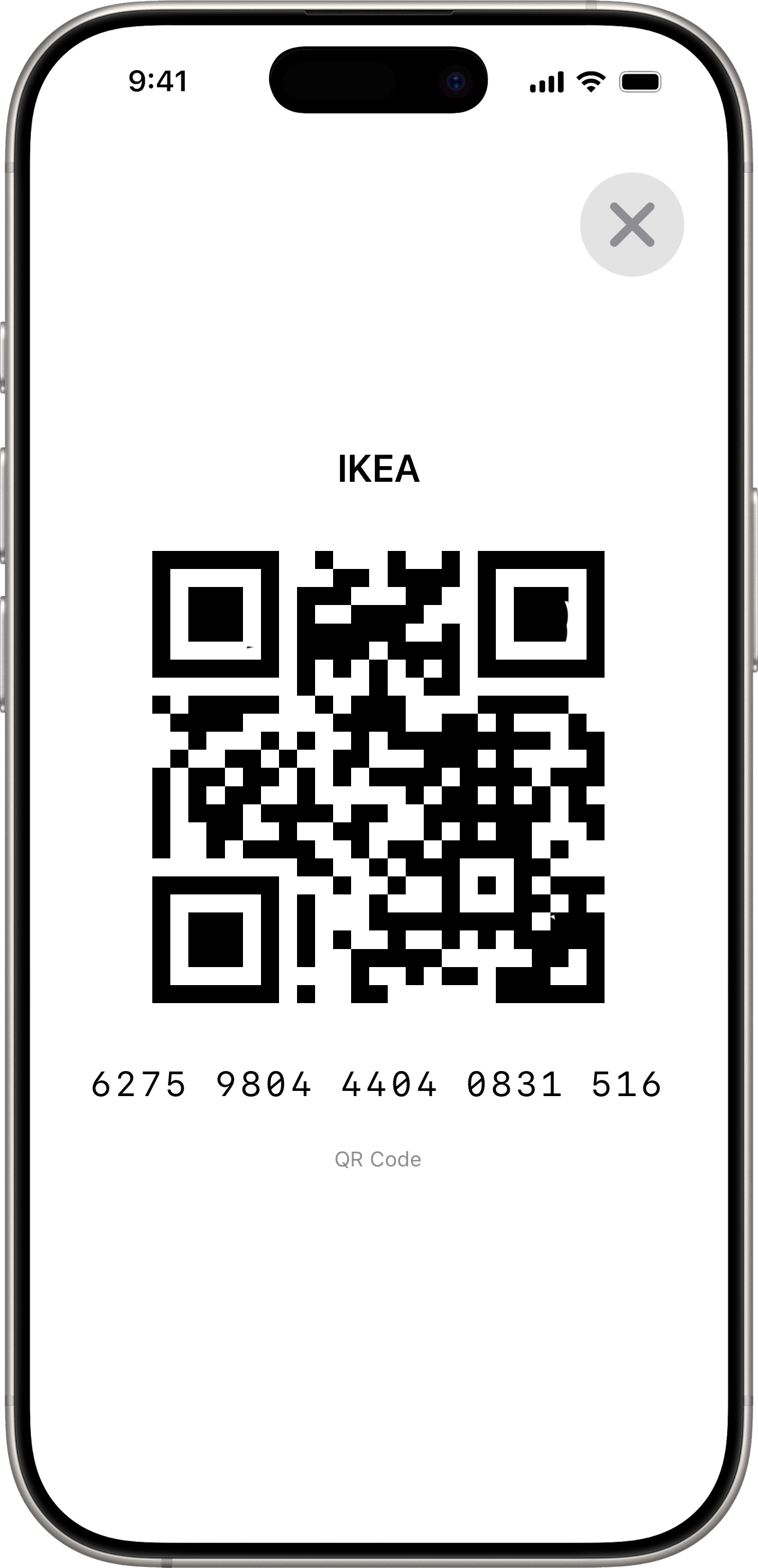
The full-screen view always uses Light mode internally, regardless of the app theme — that’s intentional to keep the barcode against a bright white background for cashier scanners.